How to Reduce Eye Strain from Computer Screens at Night Tips

Time:2026-06-10 Author:Amelia
0%

In today's digital age, many of us spend countless hours staring at computer screens, especially at night. This excessive screen time can lead to significant eye strain, impacting our comfort and productivity. Understanding how to reduce eye strain from computer screens at night is crucial for maintaining our visual health.

The harsh glare from screens can result in dry eyes, blurred vision, and headaches. These symptoms are common, yet often overlooked. Many feel that this discomfort is just a part of the modern lifestyle, but it doesn't have to be. Simple adjustments can make a significant difference. For instance, reducing the brightness of your screen or using blue light filters can help ease the strain.

However, awareness of these adjustments often fades into routine. We tend to ignore our body's signals until discomfort becomes severe. Taking the time to implement strategies to reduce eye strain can enhance our overall well-being. By prioritizing eye care and actively seeking ways to protect our vision, we not only reduce discomfort but improve our quality of life in front of screens.
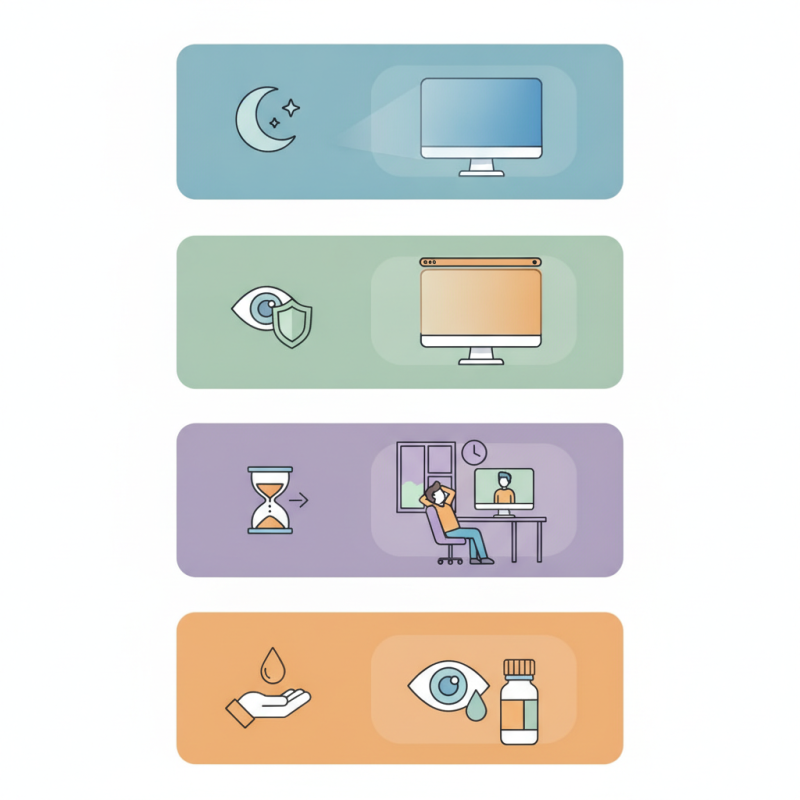
How to Reduce Eye Strain from Computer Screens at Night Tips

Understanding Eye Strain: Definition and Symptoms Related to Screen Use

Eye strain is a common issue for those who spend long hours in front of computer screens, especially at night. This strain, often referred to as digital eye strain or computer vision syndrome, can manifest in various ways. Symptoms may include dryness in the eyes, headaches, blurred vision, and even shoulder and neck pain. Recognizing these signs is crucial for addressing the discomfort that comes with prolonged screen time.

Understanding the root causes of eye strain can be helpful. Bright screens, poor lighting, and improper seating can all contribute to this condition. When screens emit blue light, they can disrupt our sleep patterns, adding to the problem. Many people experience increased sensitivity while using devices at night. This may lead to fatigue and difficulty in focusing, pointing to the need for better screen habits.

Addressing these symptoms involves a few practical adjustments. Maintaining a comfortable distance from the screen is essential. Regular breaks, such as the 20-20-20 rule, can help as well. Every 20 minutes, take a 20-second break to look at something 20 feet away. Soft lighting that reduces glare on the screen can make a significant difference too. Being aware of how screens affect your body is the first step toward healthier habits.

How to Reduce Eye Strain from Computer Screens at Night

Impact of Blue Light Emission from Screens on Eye Health at Night

Blue light from computer screens has become a significant concern for eye health, especially at night. Research shows that exposure to blue light can lead to digital eye strain, disrupt sleep patterns, and even contribute to long-term retinal damage. A study by the American Optometric Association indicates that nearly 60% of adults experience symptoms of digital eye strain, such as dryness, irritation, and blurred vision after prolonged screen usage.

At night, the situation can worsen. Blue light interferes with melatonin production, making it harder to fall asleep. A report from the National Sleep Foundation suggests that using screens before bed can reduce sleep quality by up to 30%. This disruption not only affects a person's mood but can also impair cognitive function the following day. As professionals and researchers increasingly recognize the effects of screen time, finding effective solutions is essential.

Reducing blue light exposure can be achieved through simple methods. Adjusting monitor brightness, utilizing blue light filters, or applying specialized software can make a difference. Additionally, the 20-20-20 rule encourages users to look away from their screens every 20 minutes at an object 20 feet away for 20 seconds. Essential changes in habits and environment can have a profound impact on maintaining healthy vision at night.

Effective Techniques to Implement the 20-20-20 Rule for Eye Comfort

Computer screens emit blue light, which can strain your eyes. The 20-20-20 rule provides a simple solution. Every 20 minutes, look at something 20 feet away for 20 seconds. This practice rests your eyes and reduces discomfort.

To implement this rule effectively, set reminders on your devices. Apps can help you remember to break every 20 minutes. During these breaks, focus on distant objects. Shift your gaze outside if possible. This change of focus is refreshing.

Not everyone follows the 20-20-20 rule consistently. It takes discipline to remember. Often, we get lost in tasks and forget to pause. However, recognizing this habit is crucial for eye health. Be mindful of your screen time and make adjustments for better comfort. Your eyes will thank you for it.

Recommended Screen Settings and Adjustments to Minimize Eye Strain

When working late into the night, screen settings play a vital role in reducing eye strain. High brightness levels can lead to discomfort. Setting your screen to a lower brightness that matches your room light helps lessen glare. Aim for a warm color temperature, ideally between 2700K to 4000K, as cooler tones can make your eyes feel more fatigued. This adjustment minimizes the blue light exposure, which disrupts your sleep cycles.

Another effective adjustment is using a larger text size. Small fonts strain the eyes, especially at night. Increasing font size and enabling bold can improve readability. Enabling night mode on devices is equally important. This feature reduces the blue light emitted by screens, providing a more relaxing viewing experience. Additionally, remember to take breaks. Follow the 20-20-20 rule: every 20 minutes, focus on something 20 feet away for at least 20 seconds.

Incorporating these adjustments can be a game changer. Sometimes, I forget to change my settings and face the consequences. Reflection on these habits can help build a more comfortable environment for digital activities, especially at night. Making minor changes can have a significant impact on your eye health.

Importance of Proper Lighting Conditions While Using Computers at Night

Proper lighting conditions play a crucial role in reducing eye strain when using computers at night. Bright screens in dark environments can overwhelm the eyes. This contrast can lead to discomfort and fatigue. To alleviate this issue, consider the ambient lighting in your workspace. Using soft, indirect light can soften the harsh brightness of your screen.

Desk lamps with adjustable brightness work well. Position them to illuminate your workspace without directing light towards the screen. Warm light bulbs are preferable. They provide a cozy atmosphere and reduce glare. It may take time to find the ideal lighting setup. Experimenting with different angles and intensity levels can help.

Another tip is keeping a consistent light level in your room. If the room is too dark compared to your screen, your eyes will strain to adjust. Additionally, using software to reduce blue light can benefit your eyes. Be aware that these adjustments might not yield instant relief. Patience is necessary as your eyes adapt.

FAQS

: What is eye strain, and what are its symptoms?

: Eye strain is discomfort from prolonged screen use, often causing dryness, headaches, blurred vision, and neck pain.

Why does bright screen use at night contribute to eye strain?

Bright screens in dark environments can overwhelm the eyes, creating contrast that leads to discomfort and fatigue.

How can I reduce eye strain while using screens?

Maintain a comfortable distance, take regular breaks, and use soft lighting to reduce glare and discomfort.

What is the 20-20-20 rule?

The 20-20-20 rule suggests every 20 minutes, look at something 20 feet away for 20 seconds to rest your eyes.

How can I remember to follow the 20-20-20 rule?

Set reminders on your devices or use apps designed to prompt regular breaks while working on screens.

What type of lighting is best when using computers at night?

Soft, indirect lighting with warm bulbs is ideal as it reduces glare and provides a cozy atmosphere.

Why is consistent lighting important when using computers?

Consistent lighting prevents significant contrast, helping your eyes adjust better and reducing strain during screen use.

Can software help with reducing eye strain?

Yes, using software to minimize blue light exposure can be beneficial for your eyes, especially at night.

Is it easy to follow the 20-20-20 rule?

No, many people struggle with consistency and often forget to take the necessary breaks while focused on tasks.

What should I do if adjustments don’t provide immediate relief?

Be patient; it may take time for your eyes to adapt to new lighting and screen habits for better comfort.

Conclusion

In the digital age, many individuals experience eye strain due to prolonged screen time, especially at night. Understanding eye strain involves recognizing its symptoms, which can include discomfort, dryness, and blurred vision. One major contributor to this issue is the blue light emitted from computer screens, which can negatively affect eye health when used in low-light conditions.

To effectively learn how to reduce eye strain from computer screens at night, it's essential to implement the 20-20-20 rule: every 20 minutes, look away at something 20 feet away for at least 20 seconds. Additionally, adjusting screen settings, such as lowering brightness and increasing contrast, can significantly minimize strain. Finally, creating a proper lighting environment while using computers is crucial for reducing glare and enhancing visual comfort. By incorporating these techniques, individuals can protect their eyesight and enjoy a more comfortable screen experience at night.

Amelia

Amelia

Amelia is a seasoned marketing professional with a wealth of expertise in our company’s core offerings. With an unwavering passion for driving growth and innovation, she plays a pivotal role in shaping our marketing strategies and enhancing brand visibility. A key aspect of her responsibilities......